
ScreenBeam Blog | Education
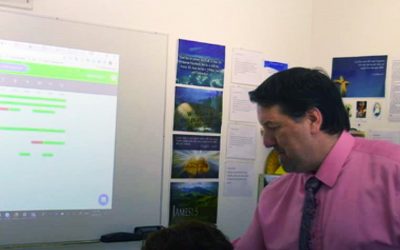
Guest Post: Why I believe Formative and ScreenBeam are better together.
“Formative supplies me the data and ScreenBeam provides the classroom agility to engage my entire class in meaningful discussions based on student work.” The thing I love about Formative is that it produces timely and effective data that is useful for the student...
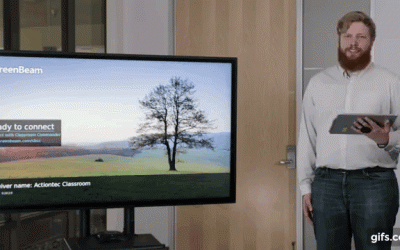
Video: The Ultimate ScreenBeam Classroom Commander Tutorial
We're super excited to introduce our latest video -- a step by step tutorial on how to deploy and use ScreenBeam Classroom Commander to the fullest. What is ScreenBeam Classroom Commander? If Classroom Commander is new to you, it combines wireless display connectivity...
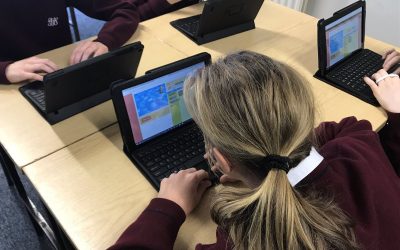
Best Uses for OneNote in the Classroom
Here’s how teachers can use OneNote in the classroom—and why it’s a great idea. OneNote doesn’t necessarily revolutionize the way teachers teach or the way students learn. Instead, it enhances teaching and learning, working with individual styles. Teachers and...
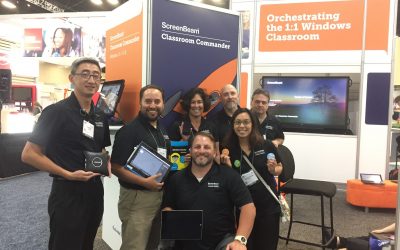
Join Us at the ISTE 2018 Conference in Chicago!
Actiontec ScreenBeam will be showcasing Classroom Commander orchestration solution for Windows 10 classrooms; ScreenBeam 960 for MacOS is now available and iOS support is in beta! See a demo or place your order at Booth #762 or our stand at the Microsoft Partner...

Miracast 101: Everything you need to know to use it.
Bigger IS better when viewing content on a screen. That includes your favorite movie, family photos, classroom lesson, workplace presentation and YouTube videos. That’s why Miracast is a popular technology for anyone who wants to share content on one screen to another...
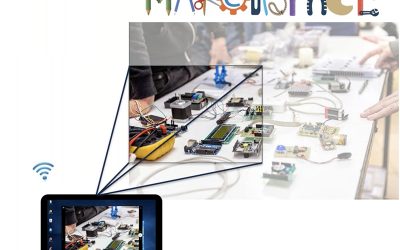
What is a document camera vs ScreenBeam wireless display?
What is a document camera? Document cameras have been a popular classroom tool for many years because they've made it easy for teachers to share work and objects with the entire class. A document camera is basically a small camera mounted on a stand which is connected...