
ScreenBeam Blog | Education

Visit Actiontec ScreenBeam at BETT 2019!
Calling all teachers who are tethered to a desk or projector during lessons! When you're presenting a lesson, do you ever feel like you're stuck in the front of the classroom--which makes it hard to see what your students are doing and facilitate authentic...

Untether Your Teaching to Connect with Your Students: Kahoot! and ScreenBeam
Teachers always ask me, "Why do we have another tech thing for my classroom? I mean, gadgets are cool, but it won't change how I teach." Well lately, I have been able to show how this “little black box,” called a ScreenBeam, has changed how our teachers teach and...
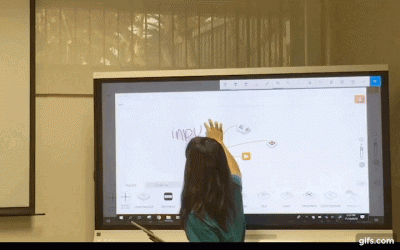
4 Ways to Enhance SAM Labs Lessons with ScreenBeam
Many teachers and students love using SAM Labs, which is a fun and interactive makerspace kit that includes different types of electronic blocks and an intuitive visual coding app. SAM Labs also provides hundreds of engaging STEAM lesson plans that focus on hands-on...

Bring Curriculum to Life with Lifeliqe and ScreenBeam
This past year, I’ve had the opportunity to utilize two new pieces of technology in my classroom—Lifeliqe and ScreenBeam. Pairing these tools together has become an essential part of my teaching toolkit. I noticed that the flow of lessons is a lot smoother, and my...
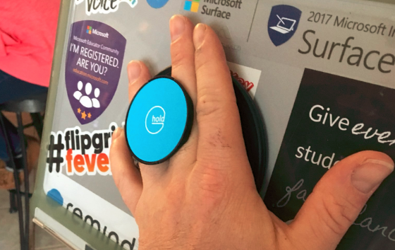
VIDEO: Create Classroom Agility with G-Hold and ScreenBeam
In an agile classroom, teachers are constantly moving around room to facilitate learning. When teachers want to share their lesson on the class display and be agile at the same time, they are using two edtech tools together: G-Hold and ScreenBeam. Joe Archer, a Grade...

Welcome to the ScreenBeam Better Together Blog
Today, we’re thrilled to officially launch the ScreenBeam Better Together Blog. Our mission of this blog is to help teachers get the most value from the edtech tools they use in their classroom with ScreenBeam wireless display solutions. To facilitate higher levels of...