
ScreenBeam Blog | Education
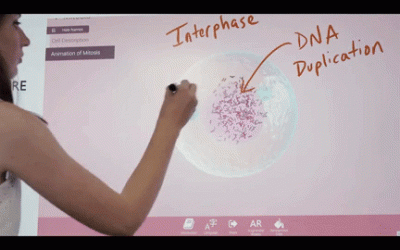
How Windows Ink and ScreenBeam Create Interactive Classrooms
Keeping students engaged is a huge challenge our educators deal with every day. Students learn in different ways, and at varying paces. Fortunately, there are tools and technology that integrated in the right way can help to implement personalized, digital learning...
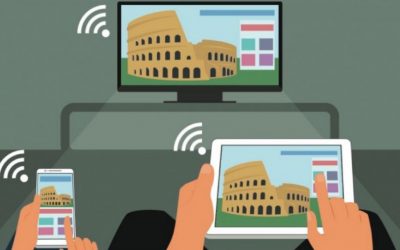
How Miracast Takes Screen Mirroring to the Next Level
Screen Mirroring 101 The Basics What is screen mirroring? Screen mirroring is just what it sounds like—putting what’s on the screen of one device onto another screen for easy access. Teachers use it to improve student comprehension and engagement. Salespeople,...
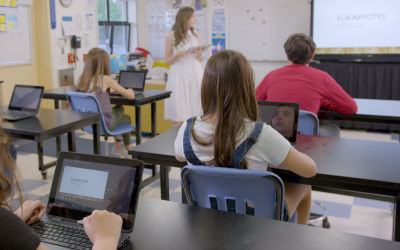
NEW ScreenBeam Classroom Commander is now available.
Today, we are delighted to unveil at ISTE 2017, ScreenBeam Classroom Commander, designed for Windows 10 and 10 S-equipped classrooms (Windows 10 S is Microsoft’s version of Windows 10 for education), our new education solution provides powerful orchestration...

How Mobile Learning is Bolstering Classroom Agility
If you’re a teacher thinking about lesson design, you may be overwhelmed by the enormous quantity of advice that’s available online, in teacher trainings, and from colleagues. Building lessons that use the necessary standards, make effective use of technology, and...

21st Century Education: 7 Elements of Future Ready Schools
Student engagement is a major concern for today’s educators. According to the 2015 Gallup Student Poll, “Engaged Today—Ready for Tomorrow,” three-quarters of fifth graders feel “involved in and enthusiastic about school,” but only one-third of eleventh graders feel...

Guest Post: How one teacher uses ScreenBeam to create student-centered classrooms.
Little things can make a big difference. The first time I saw a ScreenBeam, I wasn't sure that a small box would really impact my classroom in any significant way. Convenient? Yes. Impactful? I wasn't sure. Fast forward a year later, and I can now attest that my...